
ROLL TO LOOKSMAX How to Redeem Codes
Claim Aura, potions, crates, and wheel spins without wasting timed promos.
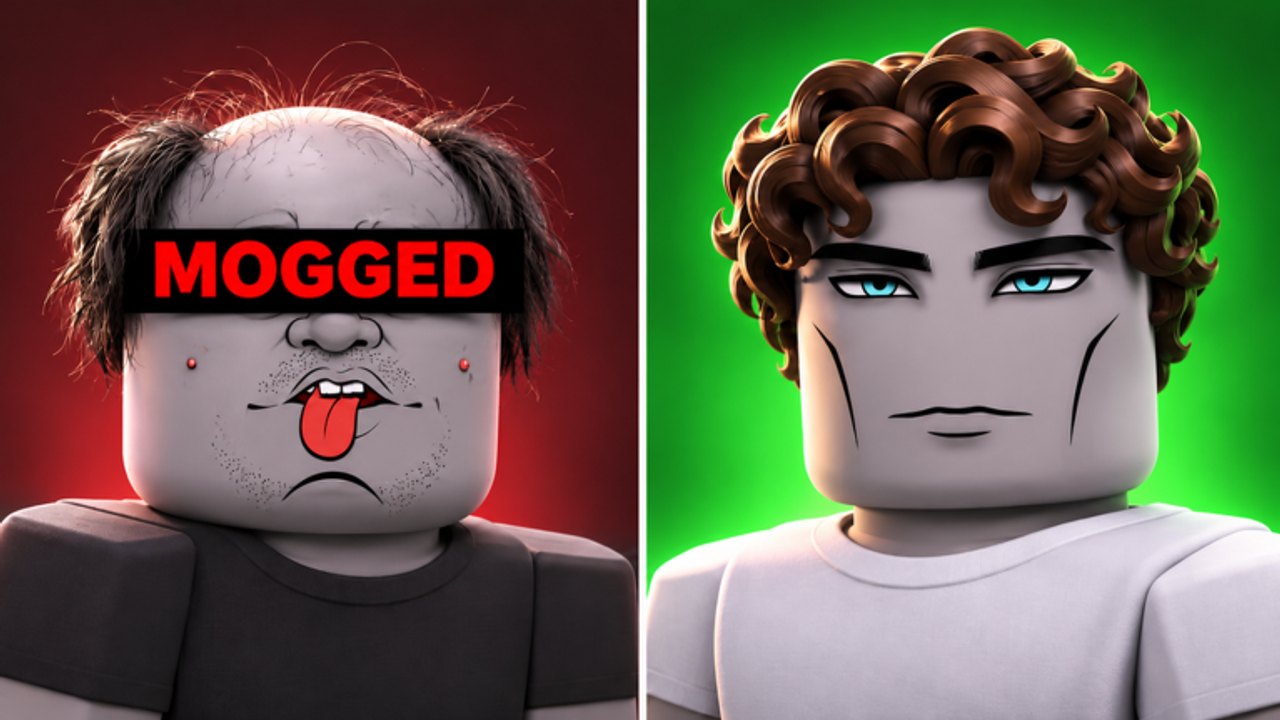
Redeeming codes in ROLL TO LOOKSMAX is simple once you know the left-menu CODES button, but timed promos and group-gated rewards trip up new players. This guide walks through the exact flow, what each reward type does, how to fix failed redemptions, and how to sequence claims so you do not miss the RELEASE window ending 27 November.
For the live list of strings and rewards, keep the Codes Hub open in another tab. This page focuses on process and troubleshooting—not inventing extra codes.
Before you redeem
- Launch the correct experience — ROLL TO LOOKSMAX on Roblox (place id
84986900845010). - Join the MOGGY! group if you want exclusive rewards such as
GROUPGANG(free Mog FX Crate). Group id143138944. - Like and favourite the game if you want to support more official code drops (as requested in the game description).
- Have a plan for Aura and potions — dumping a Luck Potion with no trait goal wastes value. Skim How to Roll Looks first.
Servers hold up to eight players. You do not need a private server to redeem; codes are account-tied once accepted.
Step-by-step redeem flow
- Enter the game and wait until the HUD and left menu finish loading.
- Open the left menu and tap CODES.
- Type the code exactly as listed on the Codes Hub—spacing and capitalization matter.
- Confirm / submit. Watch for a success toast or inventory ping (Aura total, potion, crate, or wheel spin).
- Repeat for each active code. Recommended order:
RELEASE→10KVISITS→LOOKSMAXXED→MOGGED→GROUPGANG. - Open crates when ready and decide whether to use the Luck Potion and Lucky Wheel spin immediately or after you understand soft vs hard progression on the Aura & Traits page.
If the CODES button is missing, rejoin the server, check that you are not stuck in a loading overlay, and confirm you joined the live experience rather than a renamed copy.
What each reward type does
- Aura (
RELEASE,10KVISITS) — primary progression fuel for rolling looks and climbing the incremental loop. Early Aura compresses the weak-start phase before you challenge Mog Offs. - Luck Potion (
LOOKSMAXXED) — temporary luck boost for rolls. Best used when targeting jawline, eyes, height, or other traits you care about. Details: Serums & Luck. - Lucky Wheel spin (
MOGGED) — one free spin; treat as bonus RNG, not a guarantee of a chase item. - Title Crate (
RELEASE) — unbox a title shown above your head. Social flex and server presence; see Titles & Crates. - Mog FX Crate (
GROUPGANG) — finishers for Mog Offs. Join MOGGY! first or the code will fail. Combat flow: How to Mog Off.
Group-only codes
GROUPGANG requires membership in MOGGY! (creator group owned by siregadz / Gads). Typical failure pattern: redeem before joining → invalid / ineligible message. Fix:
- Open the MOGGY! group page on Roblox and join.
- Fully leave and rejoin ROLL TO LOOKSMAX so group status refreshes.
- Open CODES again and enter
GROUPGANG. - If it still fails, wait a minute for Roblox group cache, then retry once.
Do not share accounts or use third-party “code generators.” Official codes come from the game description and MOGGY! channels only.
Expired and invalid codes
- Expired —
RELEASEends 27 Nov. After that date, expect an expired or invalid response. Remove it from your list and check November 2026 Update for launch-window context. - Typo — missing letters, extra spaces, or wrong case. Copy carefully from the Codes Hub table.
- Already redeemed — most codes are one-time per account. A second attempt correctly fails.
- Wrong game — codes for other looks or mog-themed experiences will not work here.
- Group gate — not in MOGGY! when redeeming
GROUPGANG.
If every code fails at once, the issue is usually UI/menu state or connectivity: rejoin, disable flaky VPNs briefly, and try one known-good code such as LOOKSMAXXED before assuming a wipe.
After you redeem
Bank Aura for intentional rolls instead of panic-spending. Open the Title Crate when you want visible status in lobby, and save Mog FX for Mog Offs you actually plan to take—see How to Mog Off. New players should fold code rewards into the Getting Started checklist: spawn → first rolls → codes → group → first Mog Off.
Longer term, serums, rebirth, and True Adam / True Eve goals matter more than any single promo. Codes accelerate the on-ramp; they do not replace How to Rebirth planning.
Safety notes
Never paste loadstrings or “auto redeem” executors to claim codes. There are no verified public scripts for this exact game yet; the Scripts Hub explains the risk. Codes only need the in-game CODES UI.
Phishing sites that ask for your Roblox password to “apply codes” are scams. Stay on Roblox and this wiki’s locale-agnostic links such as /codes/.
Checklist summary
- Joined MOGGY! for
GROUPGANG - Opened left-menu CODES
- Redeemed
RELEASEbefore 27 Nov - Claimed
10KVISITS,LOOKSMAXXED,MOGGED - Stored Aura / potions with a roll plan
- Bookmarked Codes Hub for future drops
Follow that list once per account and you will not leave free Aura or crates behind during the launch window.
Frequently Asked Questions
Quick answers about rolling looks, Mog Off, Aura, and rebirth.
Where is the CODES button?
On the left menu inside ROLL TO LOOKSMAX. If you do not see it, wait for the HUD to load or rejoin the server.
Why does GROUPGANG say I cannot redeem it?
It is limited to MOGGY! group members. Join the group, rejoin the game, then try again.
What happens when RELEASE expires?
After 27 November the code stops working. You keep rewards already claimed; new redeem attempts fail.
Can I redeem the same code twice?
No. Official promos are generally one-time per account. Already-used codes will reject a second claim.
Do I need scripts to redeem codes?
No. Use only the in-game CODES menu. See the Scripts Hub for why executors are unsafe and unverified for this title.